
Recording
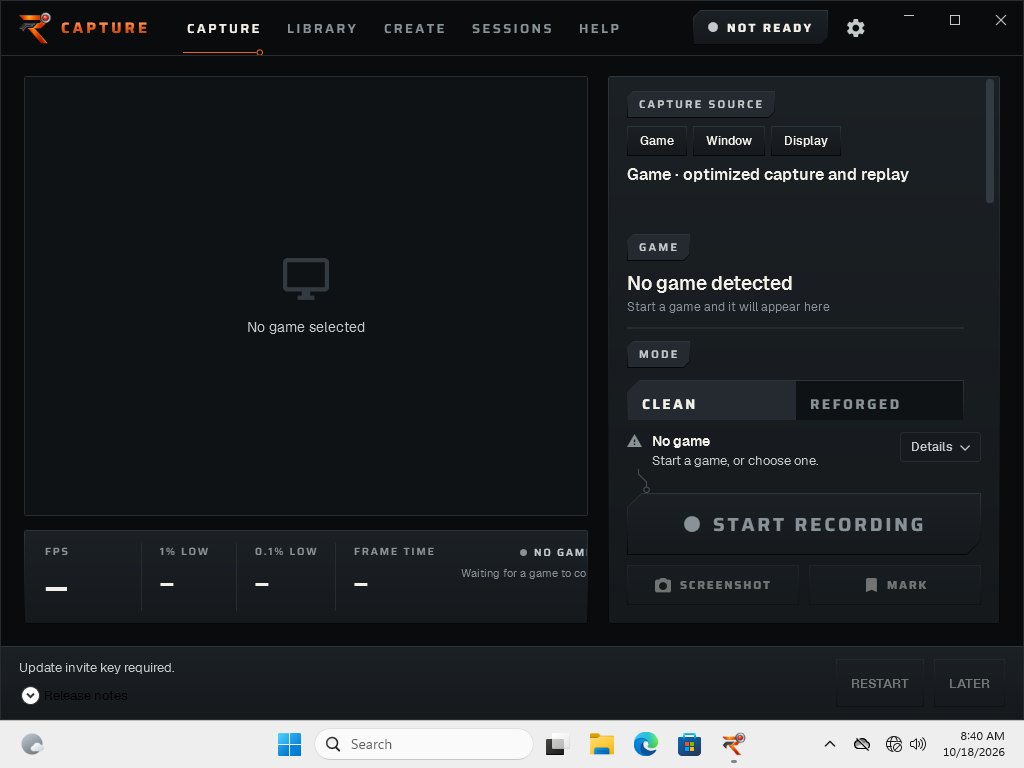
Record gameplay locally on your Windows PC. Choose your capture and audio setup, then check a short recording before a longer session.
Private alpha / Reforged software
Play it. Keep it.
The clutch. The close call. The run worth keeping. Record your gameplay locally, then come back for the moments that matter.
Free. No subscription. No required account.
No AI editing in this alpha.
On your machine
A desktop recorder from the people who build and test gaming PCs. A direct workspace for capture, replay and the footage you keep.
The toolkit
What is in the alpha—and where its current limits are.
Record gameplay locally on your Windows PC. Choose your capture and audio setup, then check a short recording before a longer session.
Keep a recent moment with the replay buffer. Availability depends on your capture setup; try it on your own hardware first.
Take a still with a supported GPU/display setup. Unsupported setups show a notice; screenshot capture is not guaranteed on every PC.
Capture includes a Highlights workflow. Automatic game-event coverage is limited; no verified-game compatibility list is published for this alpha.
Manual editing and local export are not available in alpha.11. The Create workspace requires FFmpeg, which is not bundled.
The app checks the Reforged update endpoint with your invitation and verifies owner-signed release metadata. Expired metadata or revoked access stops updates, not local recording.
Local by design
No upload queue.
No subscription.
No required account.
Release / 18 October 2026
Current private alpha
0.1.0-alpha.11Free. Invite-only. Released October 18, 2026.
Early software. Test a short recording before relying on it for footage you cannot replace.
917f7a2d93fd00475fa29f03d28e4e5e6707f1dd2c15c219cadab07e67bcbc52c143ad52f34298ef273d941b3cc1e61b3d07e228Match the exact SHA-256 and verify the owner-signed bootstrap supplied with your invitation before running the installer. The release signature does not provide Windows Authenticode publisher identity.
Read before installing
Windows 11 (64-bit). Windows 10: compatibility not yet tested GPU/display support varies by capture setup.
Specific CPU, GPU, memory and storage minimums have not been published. Check capture and audio on your own PC before a longer session.
First run
Request alpha access through Reforged. Access is free and invite-only; there is no public download or external distribution. Do not redistribute private alpha installers.
If invited, use the installer and build-specific instructions supplied directly by Reforged. Current alpha version: 0.1.0-alpha.11. Verify its SHA-256 and owner-signed bootstrap before running it.
Check that you are using Windows 11 (64-bit). Hardware requirements: To be confirmed.
This alpha is unsigned. Windows SmartScreen may warn because it cannot establish publisher identity or app reputation; this warning does not establish that the installer is safe. If Windows blocks installation or you are unsure about the publisher, stop and contact Reforged. Keep Windows security enabled.
Follow the supplied setup instructions and try a short recording before relying on the alpha for footage you want to keep.
Join the private alpha
Free and invite-only. Send Reforged a message about joining the private alpha. Access is by invitation; a request does not guarantee an invitation.
Free / private alpha
No public download. No subscription. No required account.
Invitations are issued by Reforged. An access request does not guarantee an invitation.
Feedback / issue reporting
Include your Capture version, Windows version, hardware, steps to reproduce, and what you expected versus what happened. Share only footage or screenshots you are comfortable sending; remove private information first.
1 certified PC ready
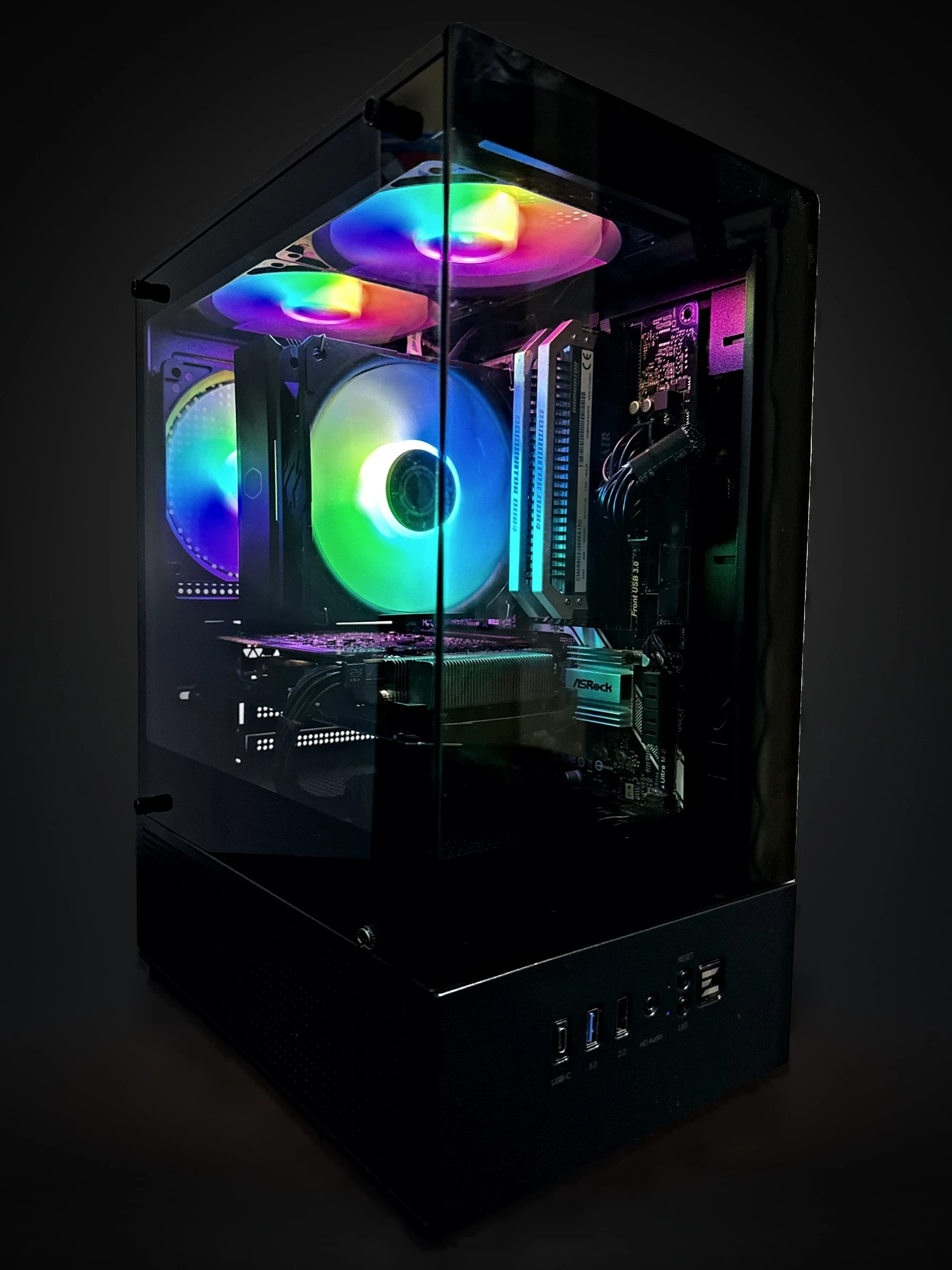 1080p Gaming PCGTX 1070 8GBIntel Core i5-7500 · 16GB DDR4 · 512GB NVMe SSDFortnite · 1080p168.5 FPS avg$479Reforged CertifiedAll Gaming PCs
On the bench now: RTX 5060 Ti. Measured before it is listed.
How we test